Instagram
TikTok
Pinterest
YouTube
Reddit
the web
Everything you save, in one place.
Save it. See it. Use it.
Three parts. That’s the whole app.

Copy link
Save to LOCI
Share to…
01
Save it
two taps, from anywhere


















02
See it
1,518 saves, one place
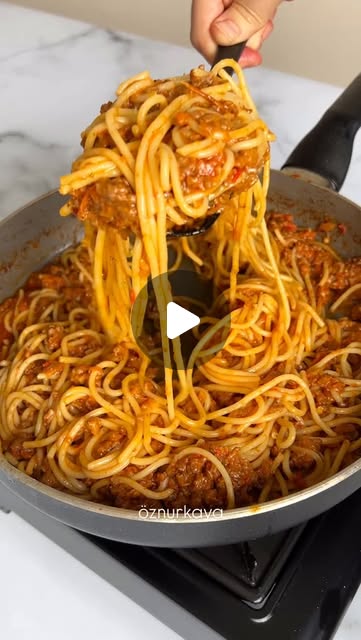
reading the frame
- 6 ripe tomatoes
- 2 red peppers
- 1 tbsp sweet paprika
- simmer 40 min
03
Use it
it reads what’s in the frame
The whole idea, in one example
You saved 109 recipes.
You cook the same six.
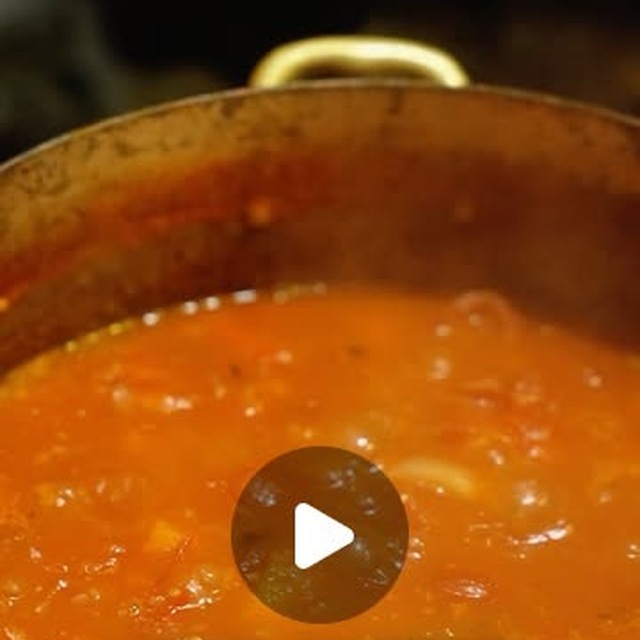
LOCI stops the video on the frame that matters, and reads it out.
the exact frame, pulled out of the video
read off the frame
- 6 ripe tomatoes, peeled
- 2 red peppers, roasted
- 1 onion · 3 cloves garlic
- Sweet paprika, 1 tbsp
- Simmer 40 min, lid off
SAVE
Two taps. The ones you already do.
No new habit. The same gesture you already use to send something to a friend.
the post
→
LOCI
→
a folder
Mobile
Share sheet → LOCI → pick a folder.
Copy link
Save to LOCI
Share to…
Web
Right-click any post. The folders are already there.
and one line, while you still know why
“the light on the concrete — for the Kotor project”
SEE
Everything you saved.
Finally in one place.
Then type a word you never tagged.


































USE
And it wasn’t only recipes
Anything with words in it.
A recipe reel
↓
6 tomatoes, peeled
2 red peppers
1 tbsp sweet paprika
simmer 40 min
2 red peppers
1 tbsp sweet paprika
simmer 40 min
A prompt post
↓
cinematic, 35mm
golden hour
shallow depth
golden hour
shallow depth
A spec sheet
↓
Oak veneer, natural
Brushed brass
1800 × 550 × 480
Brushed brass
1800 × 550 × 480
ARCHIVE
A diary you didn’t know you were writing.
My own archive — six months of it.
1,518saves
27folders
194never filed
19saved twice
and it brings things back on its own
“you saved this 5 months ago — still relevant?”
USES
Nobody has one collection.
They have eleven, and all of them are called “inspo 2”.
Reference drawings
195 saves

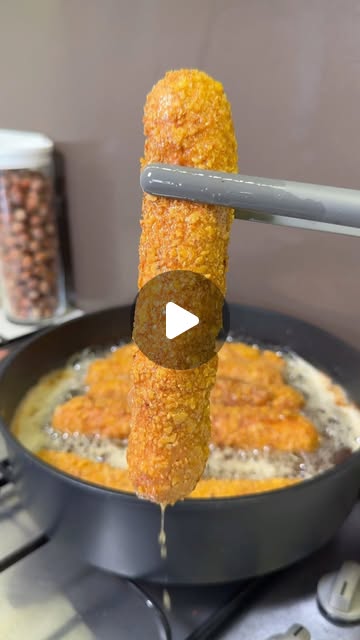

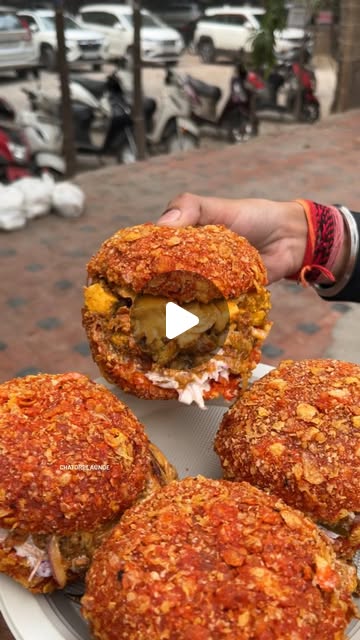
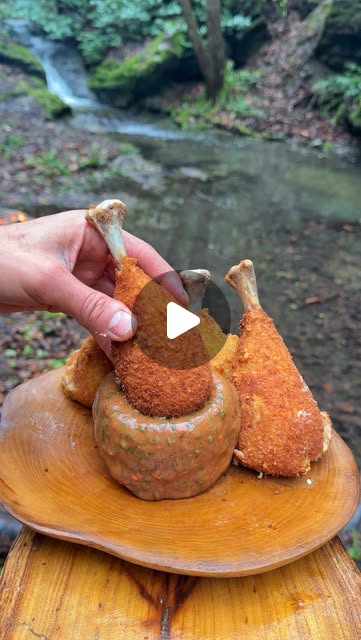
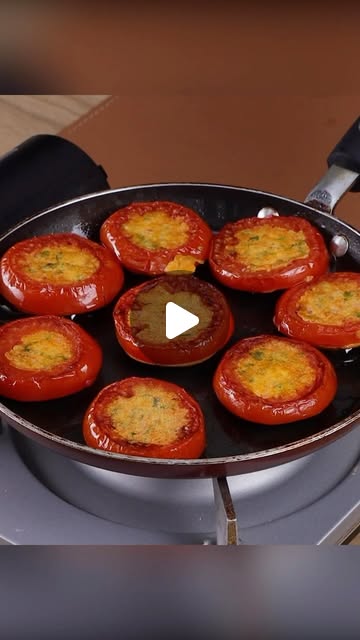
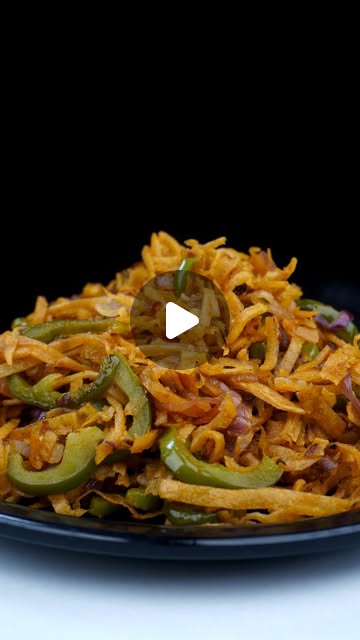

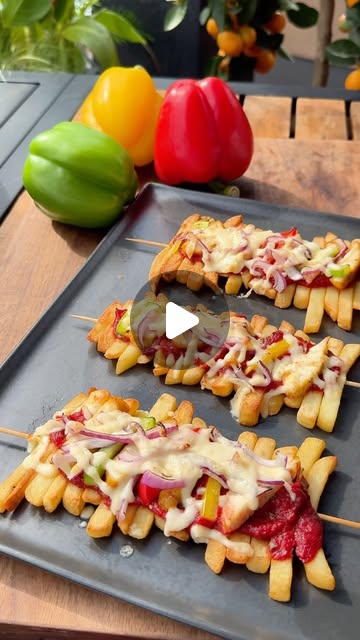
Cooking
109 saves









Movies
84 saves
GET IT
Get it where you save.
Extension
Chrome · Edge
iPhone
App Store
Android
Play Store
In the browser
nothing to install
Does it work on what I’ve already saved?
Yes. Import your existing archive — or send us the export and we’ll sort it by hand.
How accurate is it?
It gets most things right and some things wrong. Every tag is editable, and you can see what it read.
What’s free?
Unlimited saves. AI tagging up to a monthly limit. No card to start.